The code printed on the part
Most Edel electronic parts carry a five-digit technical code, such as 64276, 64278 or 64350. It is the manufacturer's designation, the one used in the installation manuals. It is screen-printed on the circuit board, often near an edge.
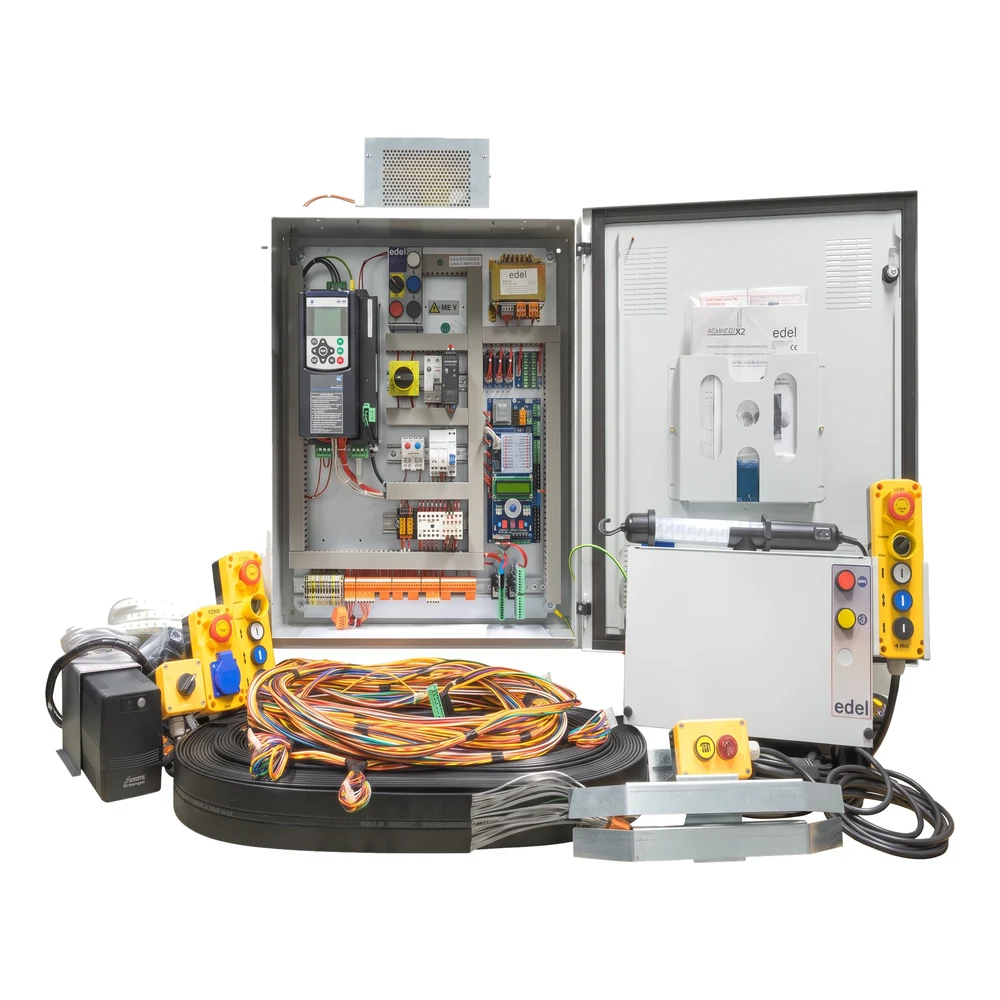
For example, the main board of the K2 controller carries 64278 on its circuit. With that code and a photo, identification is immediate.
Where to look, depending on the part
A sharp photo is worth more than a transcription: a 6 and an 8 are easily confused on screen printing worn by twenty years of dust.
- Electronic board: the code is screen-printed on the circuit, in white on a green or blue background. Photograph the whole board, not only the code: the position of the connectors distinguishes two versions.
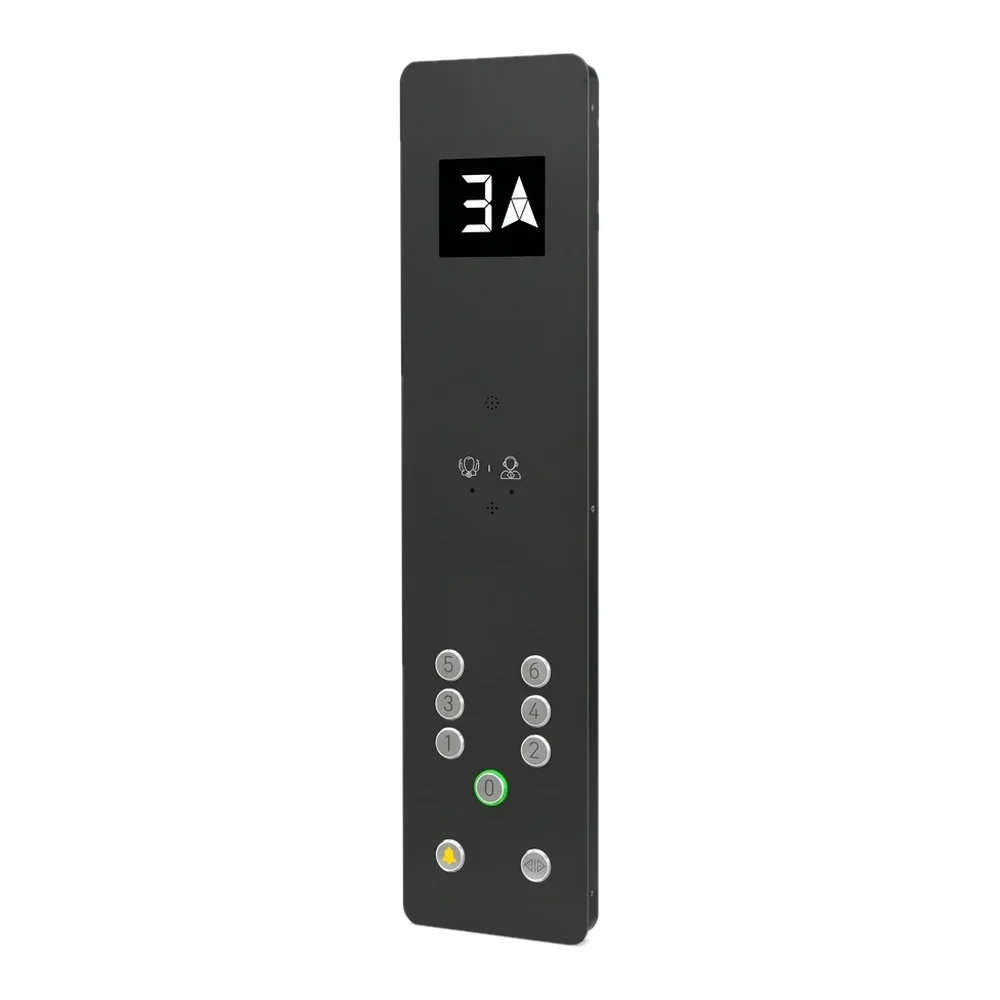
- Push button: the reference is almost never on the button. It is identified by its cut-out, finish, lighting colour and pictogram.
- Complete controller: the label is stuck inside the controller door. It gives the type (K2), the technology, the current in amps and the voltage.
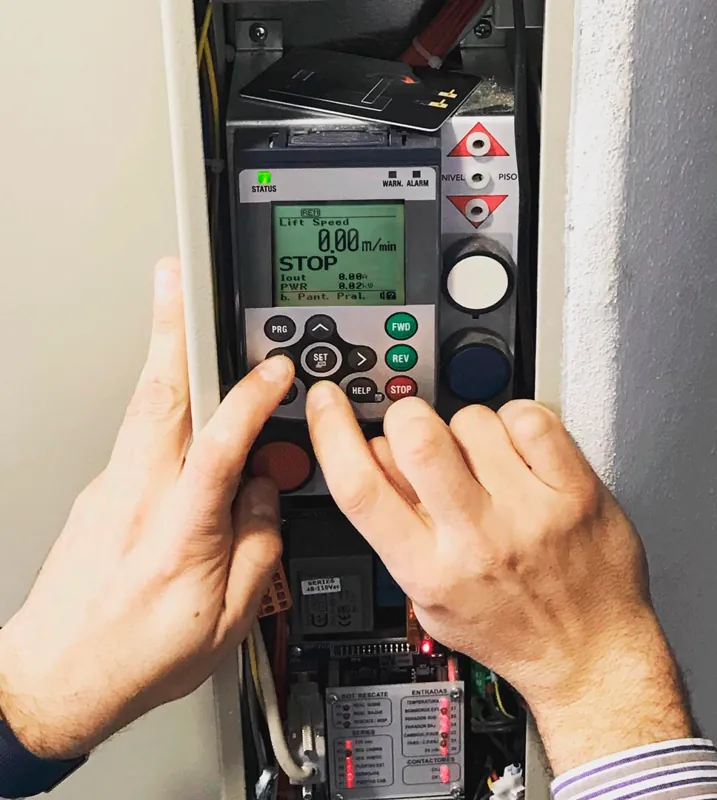
- Motor and drive: the motor rating plate gives voltage, current and power. These are the three values that determine which controller is suitable.
When the part is unreadable
It happens: a burnt board, a torn label, a painted button. In that case, the part is identified from the lift rather than from the part itself. Note:
- the make and model of the lift, and the year it entered service if known;
- the number of stops: it directly determines the push-button board, which comes in ranges of 2-3, 4-5, 6-7 and 8-9 stops;
- the technology: two-speed electric, variable-frequency electric, gearless or hydraulic;
- the supply voltage: 230 V or 400 V;
- and an overall photo of the controller, with the door open.
What to include in your request
A complete request fits in four lines: the code or the photos, the make and model of the lift, the quantity and the delivery location. The last one is not a formality: it determines the lead time and shipping method, in Spain or abroad.